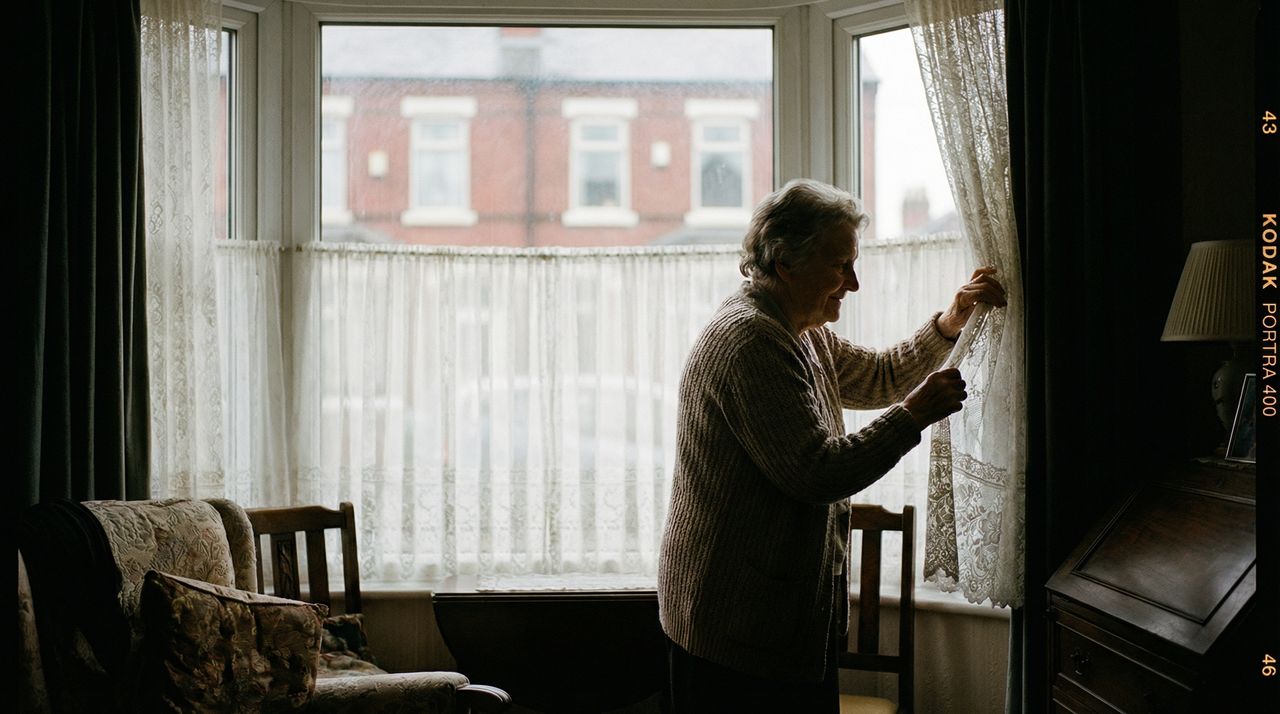
“I’m not having cameras in my house.”
Your mum said it before you’d even finished explaining. And honestly? She’s right to be cautious.
Privacy matters. It matters even more when you’re elderly, when your independence is already shrinking, when the last thing you want is your children watching your every move. Smart home care can help people stay safe at home. But not if it feels like surveillance.
This guide explains what smart home elderly care systems actually collect, who can see it, and how to protect your parent’s privacy while still keeping them safe.
Why privacy concerns are legitimate
Let’s be clear: worrying about privacy isn’t paranoia. It’s sensible.
Smart home systems collect data about daily life. When your parent gets up, when they go to bed, how often they use the bathroom, whether they’re moving around the house. In the wrong hands, or with the wrong design, that’s invasive.
Your parent has spent decades as an independent adult. They’ve raised children, held jobs, made their own decisions. Now someone wants to install sensors that track their movements. Of course they’re wary.
The goal is finding technology that provides safety without sacrificing dignity. That balance is possible, but it requires thought.
What smart home systems actually collect
Different systems collect different data. Understanding what’s gathered helps you make informed choices. For a full overview of what smart home elderly care includes, see our guide on what smart home elderly care actually means.
Activity data
Most systems track:
- Motion detection. Which rooms have had movement, and when. Not what your parent was doing, just that they were there.
- Door events. When external doors open and close. Useful for knowing when your parent leaves or returns home.
- Appliance use. Whether the kettle has been switched on, whether the TV is running. Patterns that indicate normal routine.
This data is about patterns, not specifics. The system knows your mum was in the kitchen at 7am. It doesn’t know she was making toast while listening to Radio 4.
Environmental data
- Temperature. Is the house warm enough? The NHS recommends at least 18°C for elderly people.
- Humidity. Useful for detecting damp or poor ventilation.
- Smoke and carbon monoxide. Safety alerts that could save lives.
Environmental data is less personal. Knowing the house is 19°C tells you nothing about your parent’s private life.
What most systems don’t collect
Unless you specifically choose otherwise:
- Video footage. Most elderly care systems don’t include cameras. Motion sensors detect presence without seeing anything.
- Audio recordings. Voice assistants listen for wake words but don’t continuously record. Conversations aren’t stored.
- Health data. Smart home systems typically aren’t connected to medical records or health monitoring.
- Location tracking. Unless GPS is specifically added for dementia care, systems don’t track location outside the home.
The data collected is far less than most people imagine. It’s patterns of activity, not a documentary of daily life.
Cameras: yes, no, or somewhere in between
Cameras are the big privacy question. Some families want them. Others refuse completely. Both positions are valid.
The case against cameras
Your parent doesn’t want to be watched. That’s a complete sentence. Their comfort matters more than your convenience.
Beyond feelings, there are practical concerns:
- Security risk. Cameras can be hacked. Poorly secured systems have been breached, with footage ending up online.
- Relationship damage. Installing cameras without genuine consent damages trust. Your parent might feel infantilised.
- Behaviour change. People act differently when watched. Your parent might avoid certain rooms or activities, reducing their quality of life.
For most families, camera-free monitoring is the right choice. Motion sensors, door sensors, and smart plugs provide useful information without visual surveillance.
When cameras might make sense
Some situations justify cameras:
- Video doorbell. Lets your parent see who’s at the door without getting up. The camera faces outward, not into the home. Most people accept this.
- Video calling. A tablet or smart display for face-to-face calls with family. The camera is only active during calls, controlled by your parent.
- Specific safety concerns. If your parent has fallen repeatedly and wants visual confirmation that help is coming, they might choose a camera in one room.
The key word is “choose.” Cameras should only exist if your parent genuinely wants them, not because you’ve decided they need them.
Camera-free monitoring works
You can monitor activity patterns effectively without any cameras:
- Motion sensors tell you which rooms are active and when
- Door sensors tell you when your parent comes and goes
- Smart plugs tell you when appliances are used
- The system alerts you to unusual patterns
You know your mum got up at 7am, made tea, spent the morning in the living room, and went out at 11am. You don’t need to see it happening. The pattern tells you she’s fine.
Who can access your parent’s data?
Data access matters as much as data collection. Even minimal data becomes a problem if the wrong people can see it.
You and your family
You’ll typically have access via a smartphone app. Most systems let you choose who else gets access: siblings, your parent’s partner, a trusted neighbour.
Think carefully about this. Your parent might be happy for you to see their activity patterns but not want your brother involved. Ask them.
The monitoring service
If you use professional monitoring, operators at the response centre can see alert data. When something triggers an alert, they have enough information to assess the situation and respond appropriately.
Reputable providers train staff in confidentiality and data protection. But it’s worth asking about their policies before signing up.
The technology provider
The company whose system you’re using will have some access to data for maintenance and improvement. Check their privacy policy. Key questions:
- Is data stored in the UK or EU? (GDPR applies)
- Is data encrypted?
- Is data shared with third parties?
- Can data be used for advertising or sold?
Any provider who sells data or uses it for advertising should be avoided.
Who shouldn’t have access
- Extended family without your parent’s explicit consent
- Social services or healthcare providers unless your parent has agreed to share
- Anyone your parent hasn’t personally approved
Your parent controls who sees their data. That control is fundamental.
Data protection and your rights
UK data protection law gives your parent real rights over their information.
GDPR still applies
The UK GDPR (retained from EU law) protects personal data. Smart home activity data counts as personal data. Providers must:
- Tell you what data they collect and why
- Keep data secure
- Give you access to your data on request
- Delete data when you ask (with some exceptions)
- Not keep data longer than necessary
The Information Commissioner’s Office provides guidance on data protection rights.
What to ask providers
Before choosing a system, ask:
- What data do you collect?
- Where is it stored?
- Who can access it?
- How long do you keep it?
- Can I download or delete my data?
- Have you had any data breaches?
Honest providers answer these questions clearly. Evasive answers are a warning sign.
Your parent’s right to refuse
Your parent can refuse monitoring entirely. They can ask for systems to be removed. They can revoke access to family members.
This might be frustrating if you’re worried about their safety. But it’s their home, their data, their choice. Respecting that autonomy is part of treating them with dignity.
Balancing safety and dignity
The goal isn’t maximum surveillance for maximum safety. It’s appropriate monitoring that your parent accepts.
Start with the minimum
Install only what’s needed for genuine concerns. If falls are the worry, motion-activated lighting and activity monitoring might be enough. You don’t need sensors in every room.
Adding more later is easy. Removing technology your parent resents is harder.
Respect boundaries
If your parent doesn’t want sensors in the bedroom, respect that. Find other ways to know they’re okay. A motion sensor in the hallway tells you they’re up without monitoring where they sleep.
If they don’t want certain family members to have access, honour that. Their relationships and privacy preferences are theirs to manage.
Give them control
Your parent should be able to:
- See what data is being collected (even if they don’t check often)
- Turn off notifications or monitoring temporarily
- Know who has access and revoke it
- Ask you to remove the system entirely
Control isn’t just about privacy. It’s about maintaining agency in their own home.
Frame it as support, not surveillance
The conversation matters. “We want to keep an eye on you” sounds like surveillance. “We want to know if something’s wrong so we can help” sounds like care.
Your parent is more likely to accept monitoring if they understand it’s about responding to problems, not watching their daily life.
Having the conversation
Privacy concerns often come up before installation. Handle them honestly. Our guide on whether elderly parents will use smart home technology covers more conversation strategies.
Acknowledge the concern
Don’t dismiss worries as silly or paranoid. “I understand. I wouldn’t want cameras watching me either. Let me show you what this actually does.”
Explain what’s collected
Be specific. “This sensor just notices if someone walks past. It can’t see you. It doesn’t record anything. It just tells me there was movement.”
Show them the app
If possible, demonstrate what you actually see. “This is all I get. A notification that says you’re up and moving. That’s it.”
Offer control
“If you ever want to turn it off, you can. I’ll show you how. And if you decide you don’t want it at all, we’ll take it out. It’s your home.”
Accept their decision
If your parent says no, accept it. You can revisit the conversation later, perhaps after a health scare or a fall. But pushing now will only entrench resistance.
Choosing privacy-respecting systems
Not all smart home systems treat privacy equally. When evaluating options:
Look for
- Camera-free options as the default
- Clear, readable privacy policies
- UK or EU data storage
- Data encryption
- Granular access controls (choose who sees what)
- Easy data deletion
- No advertising or data selling
Avoid
- Systems that require cameras
- Vague privacy policies
- Data stored outside UK/EU without clear protections
- Providers who can’t answer basic privacy questions
- “Free” systems that monetise data
The cheapest option isn’t always the best if it comes with privacy compromises.
The bottom line
Smart home elderly care can respect privacy. Camera-free monitoring, clear data practices, and genuine consent make it possible to keep your parent safe without making them feel watched.
Your parent’s dignity matters. Their autonomy matters. Their comfort in their own home matters. Technology that ignores these things isn’t worth installing.
Find the balance that works for your family. Start with privacy as a requirement, not an afterthought. And always remember: it’s their home, not yours.
Our needs assessment helps you think through what monitoring your parent actually needs, including privacy considerations. Or contact us to discuss your specific situation.