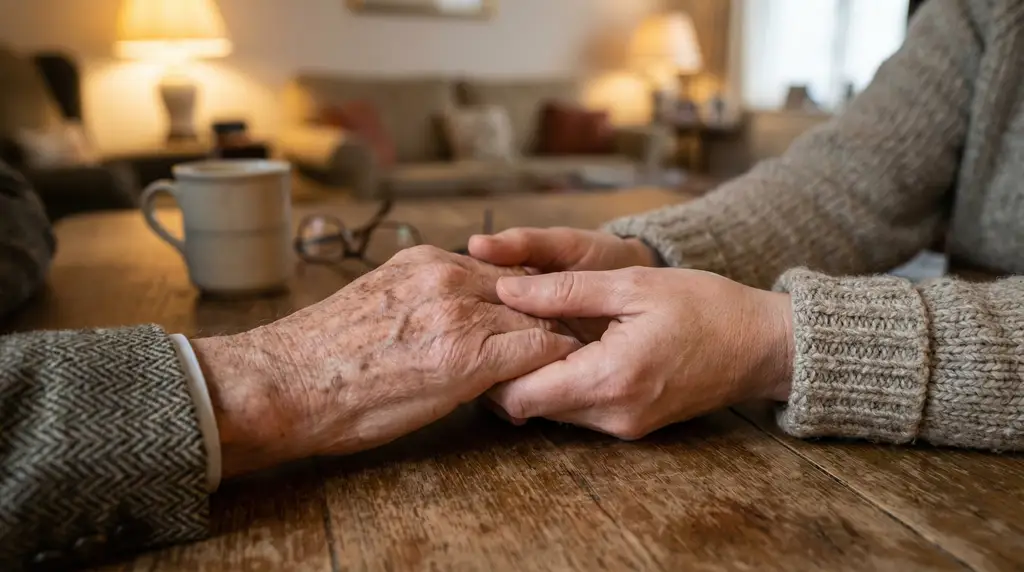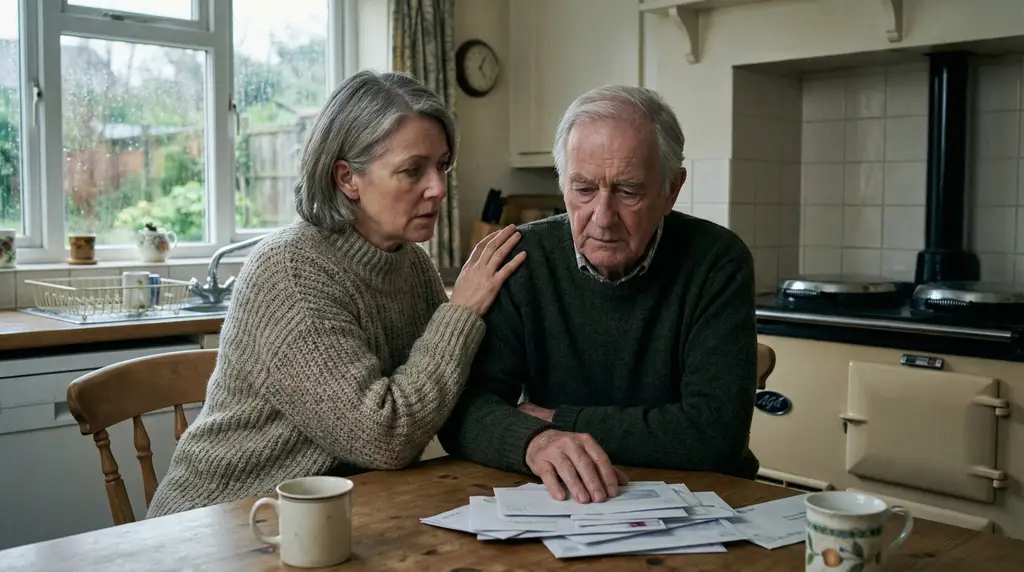
Your mum says she’s fine. But you notice she’s started calling more often, sometimes twice in one afternoon about nothing in particular. Your dad doesn’t mention it, but you suspect days go by when he doesn’t speak to anyone at all.
Loneliness among older people is a public health crisis. It’s not just sad; it’s dangerous. And with families living further apart than ever, the problem is growing.
Smart home technology can help. Not by replacing human contact, but by making connection easier. A video call that doesn’t require finding the phone. Photos that appear on a frame in the living room. A voice that responds when no one else is there.
This guide explores how technology can combat loneliness while supporting the independence your parent values.
Key Takeaways
- Loneliness increases the risk of early death by 26% according to research
- Over a million older people in the UK say they often feel lonely
- Technology enables connection; it doesn’t replace human contact
- Video calling, photo sharing, and voice assistants all help in different ways
- The goal is making it easier for your parent to stay connected, not more complicated
The loneliness epidemic
Loneliness isn’t just an unpleasant feeling. Research published in Perspectives on Psychological Science found that loneliness increases the risk of early death by 26%. That’s comparable to smoking 15 cigarettes a day.
Age UK reports that over a million older people in the UK say they often feel lonely. More than two million people aged 75 and over live alone. Half of all people aged 75 and over say television is their main form of company.
These aren’t just statistics. They’re your parents, your neighbours, the people who built the world you live in.
Why loneliness increases with age
Several factors converge:
Bereavement. Partners die. Friends die. The social circle shrinks.
Mobility problems. Getting out becomes harder. The trips to the shops, the visits to friends, the weekly activities, all become more difficult or stop entirely.
Hearing and vision loss. Conversations become harder. Embarrassment about mishearing leads to withdrawal.
Family distance. Children move away for work. Grandchildren grow up far away. Visits become occasions rather than regular occurrences.
Driving cessation. Giving up driving can be devastating for social contact, especially in rural areas.
Living alone doesn’t automatically mean loneliness. But the combination of isolation and reduced social opportunities often does.
The health consequences
Loneliness affects both mental and physical health:
- Increased risk of depression and anxiety
- Higher rates of cardiovascular disease
- Weakened immune function
- Cognitive decline and increased dementia risk
- Higher mortality from all causes
The Campaign to End Loneliness documents the evidence and advocates for solutions. Loneliness is a serious health issue, not just an emotional one.
Technology as a connection enabler
The right technology makes connection easier. It doesn’t replace human contact. It facilitates it.
Think of technology like a telephone. The phone itself doesn’t provide company. But it enables conversations that wouldn’t otherwise happen. Smart home technology does the same thing, just better.
What technology can do
- Make video calls simple enough that your parent actually uses them
- Share photos and updates without requiring any action from your parent
- Enable quick check-ins that don’t feel like an intrusion
- Provide a responsive presence when the house feels empty
- Connect your parent to information, entertainment, and the wider world
What technology cannot do
- Replace genuine human relationships
- Create social connections where none exist
- Overcome a parent’s resistance to reaching out
- Fix family relationships that are already strained
- Substitute for visits, phone calls, and physical presence
Technology is a tool. Like any tool, it works when used well and fails when expected to do more than it can.
Video calling made simple
Traditional video calling requires unlocking a phone, opening an app, scrolling to a contact, and pressing call. For someone with arthritis, poor eyesight, or unfamiliarity with touchscreens, that’s too many steps.
Smart displays change everything.
How smart displays work
A smart display is essentially a tablet designed to sit in one place and be always ready. Amazon Echo Show and Google Nest Hub are common examples. Some devices are specifically designed for elderly users with simplified interfaces.
Video calls become as simple as:
- “Call my daughter” (voice command)
- Tapping a photo of the person you want to call
- Answering automatically when family calls in
Some displays can be set to “drop in,” meaning family can connect without your parent needing to answer. This needs careful consideration, there’s a privacy trade-off, but for some families it works well.
What makes the difference
Size matters. A 10-inch display is easier to see than a phone screen. Your parent can actually see your face, and you can see theirs.
Always ready. Unlike a phone that’s in another room or out of battery, a display is always there, charged and waiting.
No technical steps. No unlocking, no swiping, no apps. Voice commands or single-tap calling.
Natural placement. Put it where your parent spends time, perhaps the kitchen counter or beside their armchair. It becomes part of daily life.
Getting past the barrier
Many older people resist video calling. They don’t like seeing themselves on screen. They feel they look old. They’re self-conscious about their home.
Gentle encouragement helps. Start with audio calls on the device. When they’re comfortable with that, try video. Emphasise that you want to see their face because you miss them, not to check up on them.
Once the habit forms, most people come to value it. Seeing faces matters more than we realise until we do it regularly.
Photo sharing without effort
One of the simplest and most effective technologies for connection is the digital photo frame. Modern versions connect to the internet and display photos that family members send from their phones.
How it works
You install an app on your phone. When you take a photo you want to share, maybe the grandchildren at the park, the Sunday roast, your holiday sunset, you send it to your parent’s frame. It appears automatically.
Your parent doesn’t need to do anything. No emails to open, no links to click, no apps to navigate. The photos just appear.
Why it matters
Photos create connection without requiring anything from your parent. They see your life unfolding. They know what you’re doing. They have something to talk about when you call.
For grandparents, seeing grandchildren regularly matters enormously. The growth, the activities, the little moments. It’s the next best thing to being there.
Photos also prompt memory and conversation. “I saw that photo of you at the beach. Tell me about your trip.” Natural topics for calls and visits.
Choosing a frame
Look for:
- Large, clear display (10 inches or more)
- Simple setup with phone app for sending photos
- Automatic brightness adjustment for different lighting
- Ability for multiple family members to send photos
- No subscription fees if possible
Popular options include Nixplay, Aura, and Skylight. Prices range from £100-250 depending on size and features.
Voice assistants as companions
This might sound strange at first. But many older people find voice assistants genuinely helpful, not just for practical tasks, but for company of a sort.
Practical assistance
“What’s the weather today?” “Play Radio 4.” “Set a timer for fifteen minutes.” “What time is it?” “Turn on the lights.”
These small conveniences reduce frustration and help your parent manage daily life. Voice control is often easier than physical controls, especially with limited mobility or dexterity.
Information and engagement
“What happened in the news today?” “Tell me about World War Two.” “Play some Vera Lynn.” “What day is it?”
Voice assistants provide mental stimulation. Questions get answered. Music plays on request. The world stays accessible.
Something to talk to
This is the part that surprises people. Many older people, living alone, appreciate having something that responds when they speak.
“Good morning, Alexa.” “Hello. Today is Tuesday, the eighth of December. The weather is cloudy with temperatures around seven degrees.”
It’s not human connection. But it’s not nothing either. A presence in an empty house. A voice that responds. Some people find it comforting.
Making calls easier
“Call my son.” Voice assistants can make phone or video calls without any physical interaction. For someone who struggles with touchscreens or small buttons, this is transformative.
You can set up shortcuts. “Call Sarah” connects to your mobile. “Call for help” connects to a response service or emergency contact. Simple commands that work even in an emergency.
Staying engaged with the world
Isolation often means disconnection not just from family, but from the wider world. Technology can help maintain engagement.
Audio books and podcasts
Reduced vision makes reading difficult for many older people. Audio books provide the same engagement without needing to see text. Voice assistants can play from Audible or library services.
Podcasts offer endless content on every topic imaginable. History, gardening, drama, comedy, current affairs. Something for everyone.
Music and radio
“Play Classic FM.” “Play songs from the 1960s.” Music matters to people, especially music from formative years. Easy access to favourite music lifts mood.
Radio provides scheduled content and human voices throughout the day. Many older people find the rhythm of radio programmes comforting.
Simplified tablets
Some tablets are designed specifically for older users, with large icons, simplified interfaces, and tech support included. These can provide access to email, news, games, and video without the complexity of standard devices.
Online communities
For those who can manage the technology, online communities exist for every interest. Local history groups, gardening forums, book clubs conducted over video call. Social connection with shared interests, regardless of mobility.
Making technology work
Technology only helps if it actually gets used. Here’s how to make adoption successful:
Start from their interests
What does your parent enjoy? If they love gardening, show them how to ask for gardening tips. If they follow football, show them how to get scores. Technology adoption works when it serves existing interests, not when it demands new ones.
Set everything up for them
Don’t hand over a device and say “have a go.” Install it, configure it, set up their contacts, test everything. Make it ready to use the moment they pick it up.
Demonstrate, then practice
Show them how to use it. Then ask them to show you. Repetition builds confidence. Be patient; things that seem obvious to you aren’t obvious to everyone.
Keep it simple
Resist the urge to show every feature. Focus on one or two things that will actually improve their life. Add more only when they’re comfortable with what they have.
Be available for support
Things will go wrong. Calls won’t connect. Settings will change mysteriously. Be patient and helpful when they call frustrated. This is normal.
Visit and use it with them
When you visit, use the technology together. Make a video call to another family member. Look at photos together. Reinforce the habit.
Frequently asked questions
Will technology make my parent more isolated, not less?
This is a reasonable concern. Technology can become a substitute for human contact if we let it. But used well, it facilitates connection rather than replacing it. Video calls supplement visits; they don’t replace them. The goal is making connection easier, not convincing yourself that a photo frame is the same as being there.
My parent can barely use their phone. How will they manage smart home technology?
Smart home technology is often easier than smartphones. A display that sits in one place, responds to voice, and shows family photos is simpler than a pocket computer with dozens of apps. Start with the easiest features and build from there. Many people who struggle with phones find voice assistants much more accessible.
How much does connection technology cost?
A decent digital photo frame costs £100-200. A smart display for video calling costs £80-250. A voice assistant starts around £30. Compared to the value of reduced isolation, these are modest investments. Some families buy devices as birthday or Christmas gifts.
What if my parent refuses to try technology?
Don’t force it. But do explore their objections. Is it fear of complexity? Show them how simple it is. Is it concern about privacy? Address those concerns honestly. Is it general resistance to change? Sometimes a trial period helps. If they genuinely don’t want it, respect that choice.
Can technology really help with loneliness?
It can help but it doesn’t solve loneliness on its own. Technology makes connection easier; it doesn’t create connection from nothing. If family calls more often because video calling is easy, that helps. If photos appear daily creating conversation topics, that helps. But technology works best alongside human effort to maintain relationships.
The human element
Technology matters, but people matter more.
All the smart displays and photo frames in the world don’t substitute for actually staying in touch. Calling regularly. Visiting when you can. Sending photos because you want to share your life, not just to tick a box.
Technology lowers the barriers to connection. It makes calls easier, sharing simpler, and presence more possible. But the connection itself comes from you.
If you’re reading this because you’re worried about a parent who seems lonely, the most important thing isn’t which device to buy. It’s making the time to connect, with or without technology.
Getting started
If you’d like to explore how technology might help your parent stay connected, we’re happy to discuss your situation. Every family is different, and the right approach depends on your parent’s interests, abilities, and what matters most to them.
Contact us to talk through your options. Or take our needs assessment to think through what might help most.
The NHS mental health guide provides broader support for those concerned about isolation and loneliness. Age UK offers resources and local services that can help.
Connection matters. Technology can help make it happen.